GSF Invoice Export
Introduction
This document defines the field mapping and output requirements implemented for the weekly GSF CSV invoice export.
1. File Format & Structure
- CSV with no header row
- Fixed column order
- One row per job line
- Blank/optional fields allowed without breaking structure
2. Column Mapping
| Sr.No | Field Label | Data Type | Length | Notes | Mandatory |
|---|---|---|---|---|---|
| 1 | Job Reference | Integer | 10 | For invoice transactions (transaction type I), this value is populated with the ViSN enquiry number. | Yes |
| 2 | Registration | Text | 10 | Contains the VRM (Vehicle Registration Mark) for the vehicle associated with the enquiry/job. | Yes |
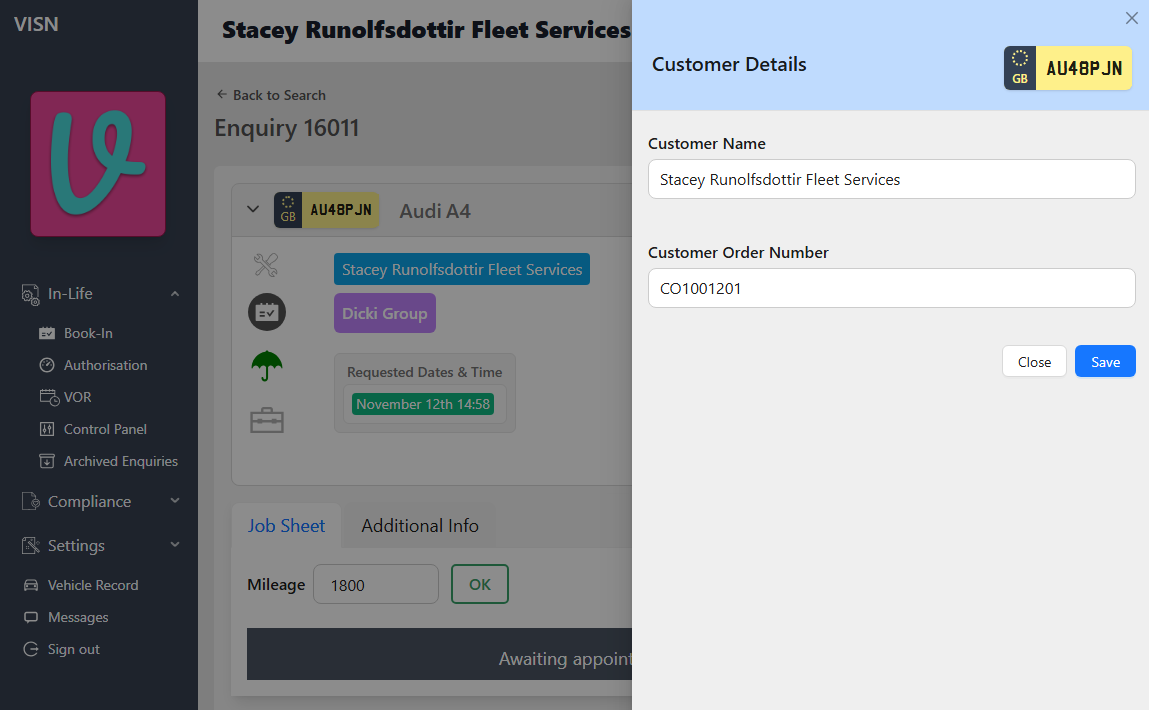
| 3 | Driver Name | Text | 100 | Contains the name of the driver associated with the vehicle in the enquiry. | No |
| 4 | Work Detail | Text | 250 | Description of the Jobline Item. The values for this field differ based on the job line type (details provided below)
| Yes |
| 5 | Job Date | Integer | 10 | This column contains the vehicle's check-in date at the garage.
format as | Yes |
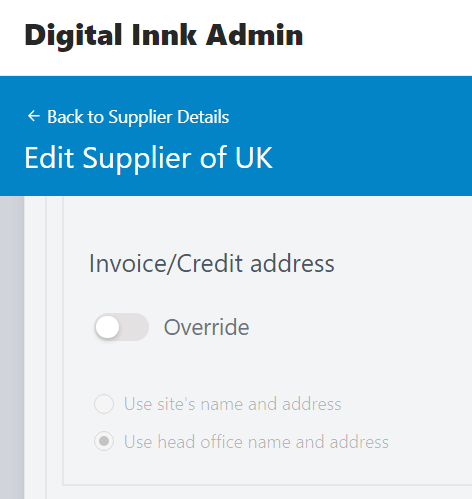
| 6 | Supplier | Text | 250 |
| Yes |
| 7 | Odometer Reading | Integer | 10 | Indicates the vehicle mileage recorded during the repair. | No |
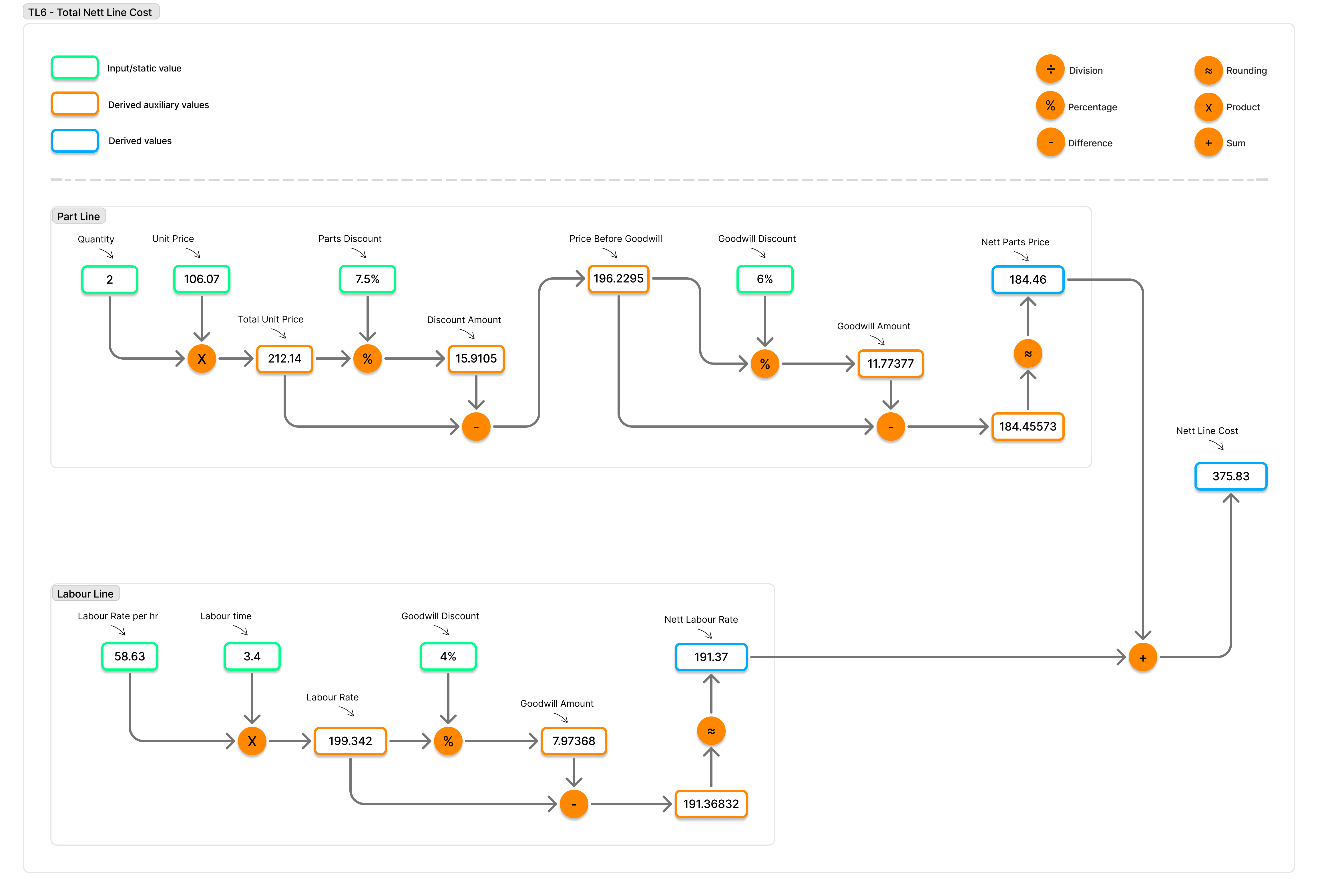
| 8 | Cost (Net, excl VAT) | Number | 5.2 | (e.g., 99999.99) The total nett line cost is derived by adding the total net parts cost and the total net labour cost if the job line includes both parts and labour. Otherwise, it will reflect the job line's total value. For applicable job lines, the underlying net parts and labour values feeding TL3/TL5 are uplifted using
 | Yes |
| 9 | Purchase Order Number | Text | 20 |
| No |
| 10 | Reason Text | Text | 20 | Reason label | No |
4. File Naming Convention
- Format:
GSF_Invoice_Export_YYYYMMDD.csv - Date represents export generation date.
5. Delivery Mechanism
- Export is generated on a weekly schedule.
- File is sent via email (not SFTP).
- Two email flows are used:
- Export delivery email (to
emailExportsTo, supports multiple recipients). - Success notification email (to
successEmailToAddress).
- Export delivery email (to
6. Email Format
6.1 Export Delivery Email
- Triggered only after successful generation of GSF invoice export file.
- File name format:
GSF_Invoice_Export_<YYYYMMDD>.csv. - Sent to
emailExportsTo(supports multiple recipients). - Includes generated CSV file as an attachment.
6.2 Success Notification Email
- Triggered when export completes successfully.
- Sent to
successEmailToAddress. - Subject uses
successEmailSubject. - Email body includes
GSF Export file generate successfully.
7. Failure Handling
- If a fatal error occurs during export processing, an email is sent to
fatalErrorEmailToAddress. - Fatal error notification subject uses
errorEmailSubject. - Fatal error notification body includes
GSF Export file generate failed. - A process log entry is created with failed status.
Process Log
- Creates a process log entry with type
WEEKLY_INVOICE_GSF_EXPORT. - Contains execution statistics.
- On export failure, creates a process log entry with failed status.
Setup Required
Database Configuration
This export is targeted for GSF lease companies, so it should be enabled only where GSF export generation is required.
To enable weekly GSF invoice CSV generation, set the export configuration flag in the lease company document.
location: /leasecompany/[leaseId]/config/exportsConfig

attribute: createGsfInvoiceCSV

value: true
Generate Export
A scheduler should be created with the following parameters:
- Topic : projects/biddirect-2/topics/generateWeeklyInvoiceGsfExportCSV
Message body : a JSON object including the following parameters
{
  "leaseCompanyId": "<lease Id>",
  "forNoOfPreviousDays": 7,
  "bucketName": "<bucket name>",
  "destinationFolder": "<Destination Folder>",
  "emailExportsTo": "<recipientEmailId>",
  "successEmailToAddress": "dataops@digitalinnk.com",
  "fatalErrorEmailToAddress": "dataops@digitalinnk.com",
  "successEmailSubject": "GSF invoice export success",
  "errorEmailSubject": "GSF invoice export failed"
}
Status: Accepted
Category: Protected
Authored By: Rushikesh Bhandare on Apr 23, 2026